Manual Setup
After doing the basic setup with assisted setup, you can fine tune your installation using the Manual Setup List as a starting point. This list contains the most important settings.
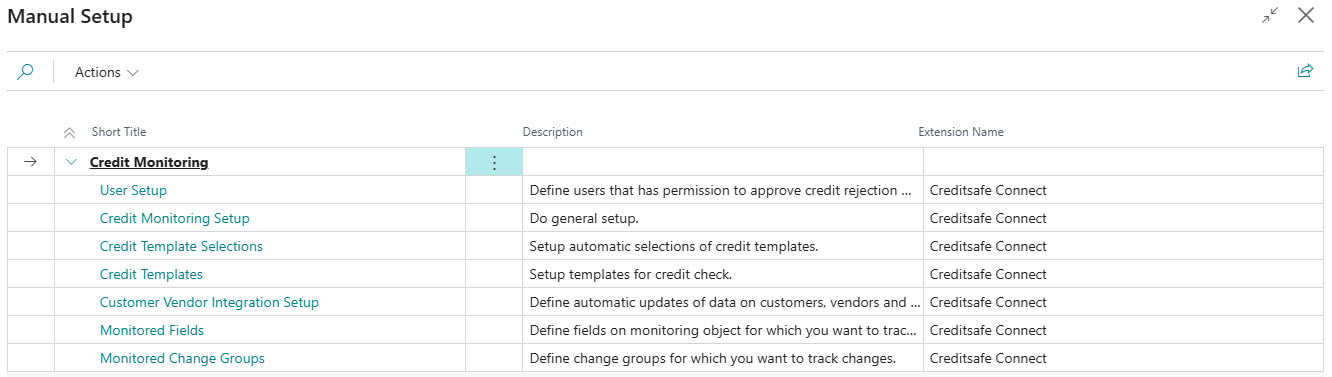
The manual setup list consists of the following setup tasks:
| Name | Description | Read more |
|---|---|---|
| Credit Monitoring Setup | General settings for Creditsafe Connect. | Link |
| Credit Templates | Setup templates for credit check. | Link |
| Credit Template Selections | Setup automatic selections of credit templates. | Link |
| Customer/Vendor Integration Setup | Define automatic updates of data on customers, vendors and contacts. You can also define an automatic selection of templates when creating a customer or vendor from a Creditsafe search. | Link |
| Monitored Fields | Fields selected for logging of changes. | Link |
| Monitored Change Groups | Change groups selected for logging of changes. | Link |
| User Setup | Setup on user(s) to allow manual override of failed credit checks and change of credit template on monitoring object. | Link |
Besides the setup topics above there are more setup tables in Creditsafe Connect. Most of them are populated automatically when using the assisted setup and usually needs no further changes.